WebGL/Three.js
WebGL
Web Graphics Library
JavaScript API for rendering high-performance interactive 3D and 2D graphics in browser.
Integration
Context Creation
Shaders Magic
Data Buffering
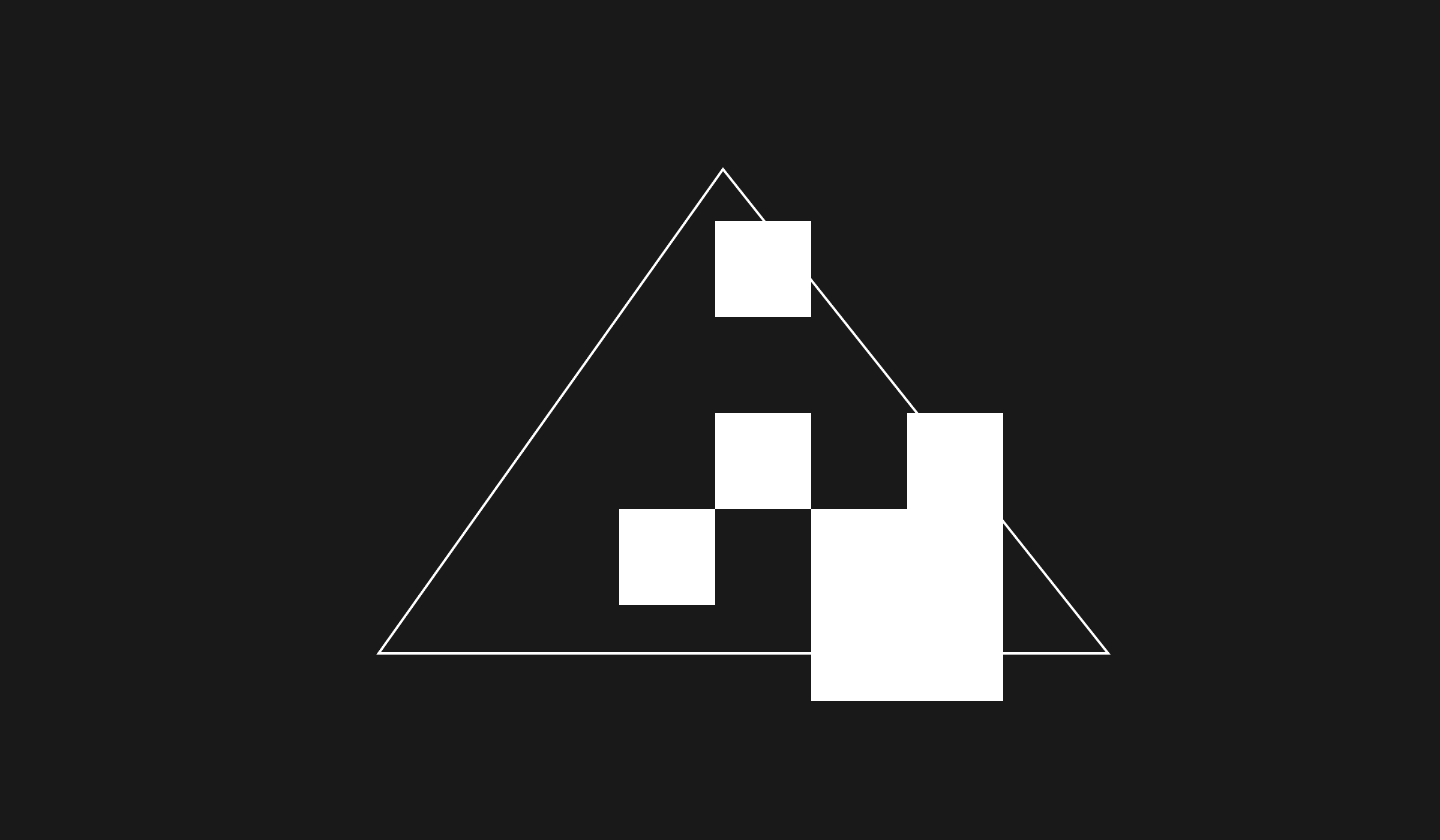
Rendering Pipeline
Rendering Output
						// Get a reference to the WebGL context
						const canvas = document.getElementById('canvas');
						const gl = canvas.getContext('webgl');

						// Define the vertex shader code
						const vertexShaderSource = `
							attribute vec2 a_position;
							void main() {
								// Set the position
								gl_Position = vec4(a_position, 0, 1);
							}
						`;

						// Define the fragment shader code
						const fragmentShaderSource = `
							precision mediump float;
							void main() {
								// Set the color
								gl_FragColor = vec4(1.0, 0.0, 0.0, 1.0);
							}
						`;

						// Create the vertex shader
						const vertexShader = gl.createShader(gl.VERTEX_SHADER);
						gl.shaderSource(vertexShader, vertexShaderSource);
						gl.compileShader(vertexShader);

						// Create the fragment shader
						const fragmentShader = gl.createShader(gl.FRAGMENT_SHADER);
						gl.shaderSource(fragmentShader, fragmentShaderSource);
						gl.compileShader(fragmentShader);

						// Create the shader program
						const program = gl.createProgram();
						gl.attachShader(program, vertexShader);
						gl.attachShader(program, fragmentShader);
						gl.linkProgram(program);
						gl.useProgram(program);

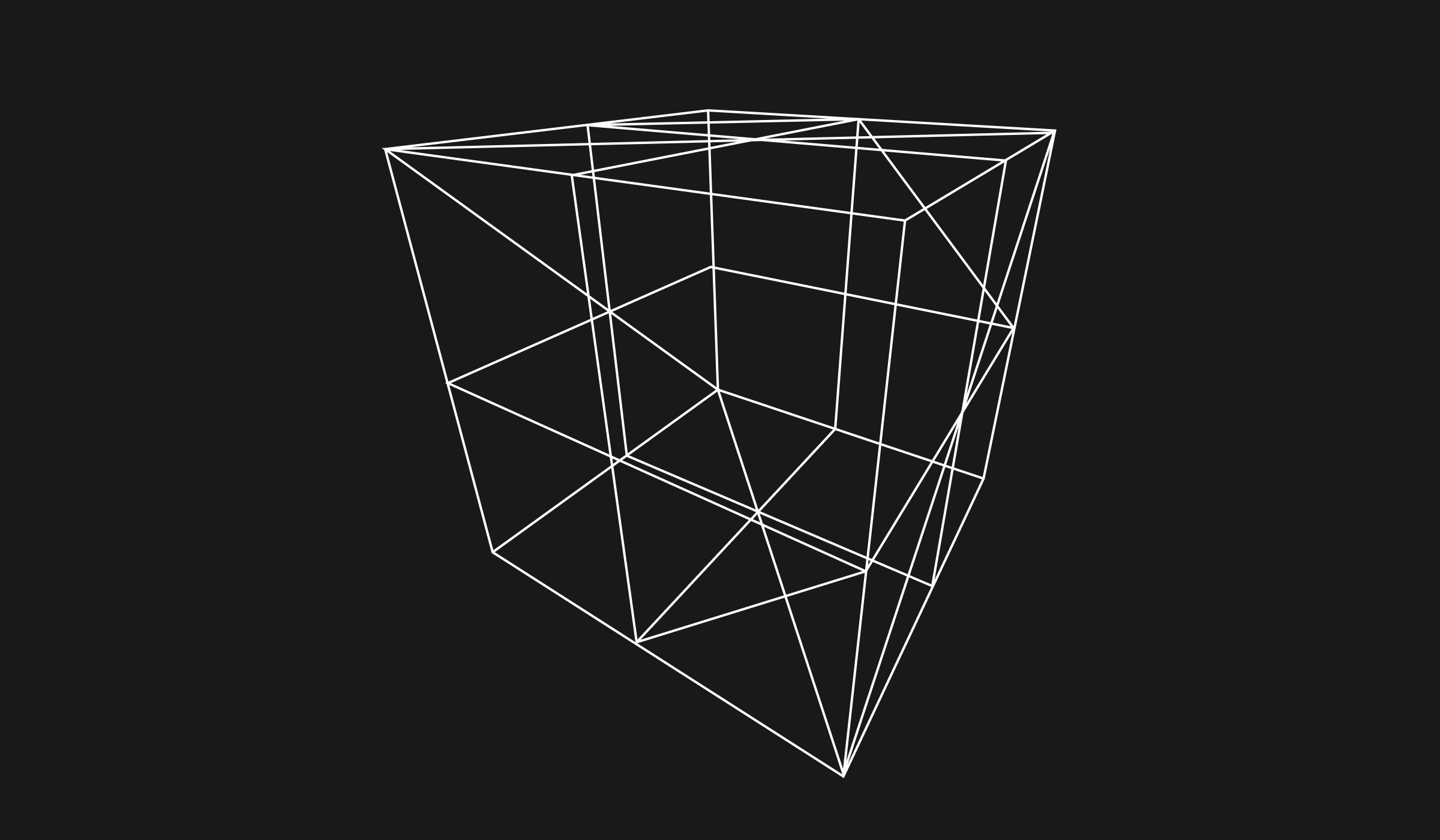
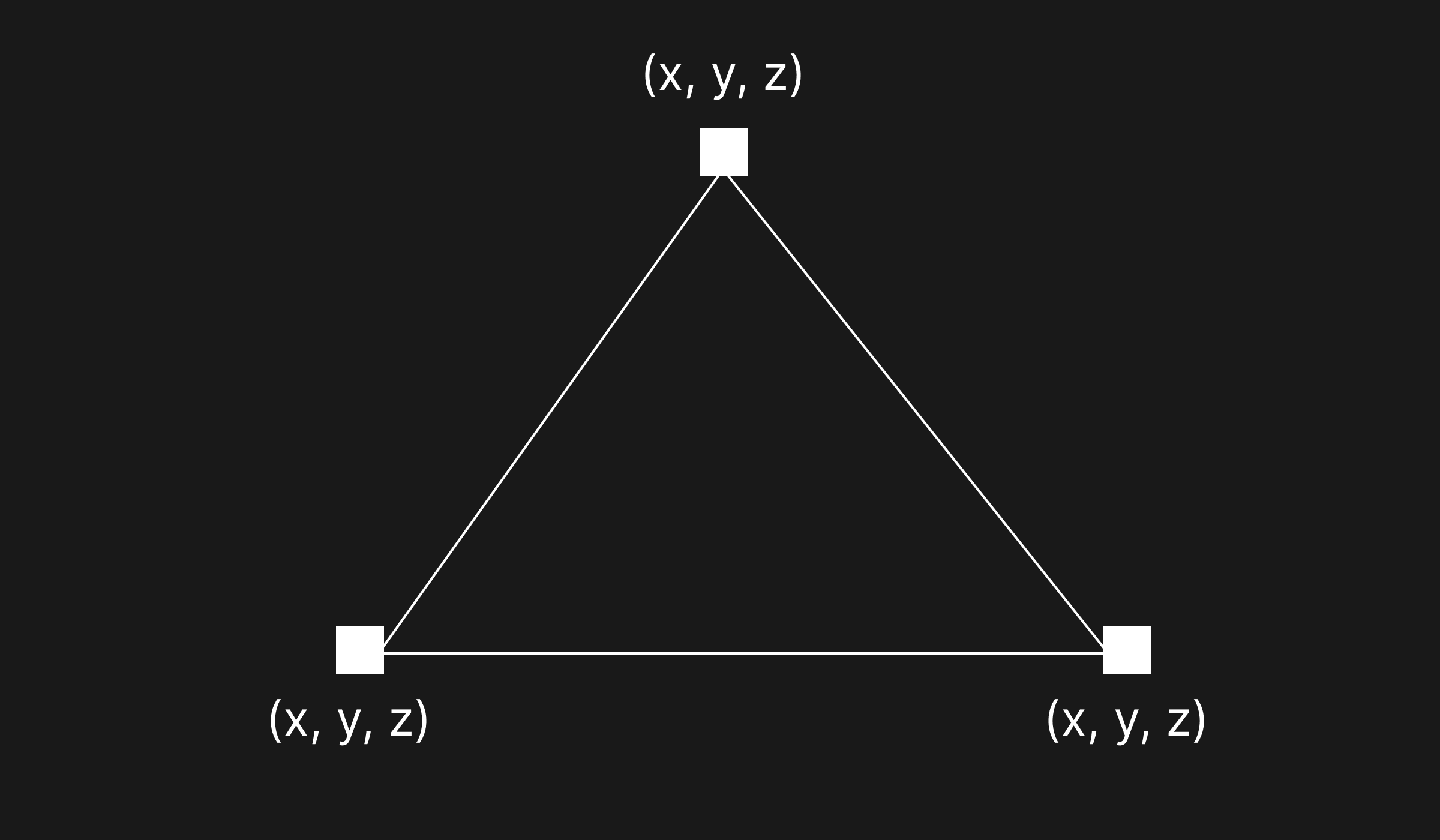
						// Define the vertices of the triangle
						const vertices = [
							0.0, 0.5,   // Vertex 1 (x, y)
							-0.5, -0.5, // Vertex 2 (x, y)
							0.5, -0.5   // Vertex 3 (x, y)
						];

						// Create a buffer to store the vertex data
						const vertexBuffer = gl.createBuffer();
						gl.bindBuffer(gl.ARRAY_BUFFER, vertexBuffer);
						gl.bufferData(gl.ARRAY_BUFFER, new Float32Array(vertices), gl.STATIC_DRAW);

						// Get the location of the attribute in the shader program
						const positionAttributeLocation = gl.getAttribLocation(program, 'a_position');

						// Enable the attribute
						gl.enableVertexAttribArray(positionAttributeLocation);

						// Tell WebGL how to read the vertex data from the buffer
						const size = 2;
						const type = gl.FLOAT;
						const normalize = false;
						const stride = 0;
						const offset = 0;
						gl.vertexAttribPointer(positionAttributeLocation, size, type, normalize, stride, offset);

						// Clear the canvas
						gl.clearColor(0, 0, 0, 1);
						gl.clear(gl.COLOR_BUFFER_BIT);

						// Draw the triangle
						const primitiveType = gl.TRIANGLES;
						const count = 3;
						gl.drawArrays(primitiveType, offset, count);
wtf🤯
Three.js
JavaScript library and API used to create and display animated 3D computer graphics in a web browser using WebGL.


// index.html
// main.js
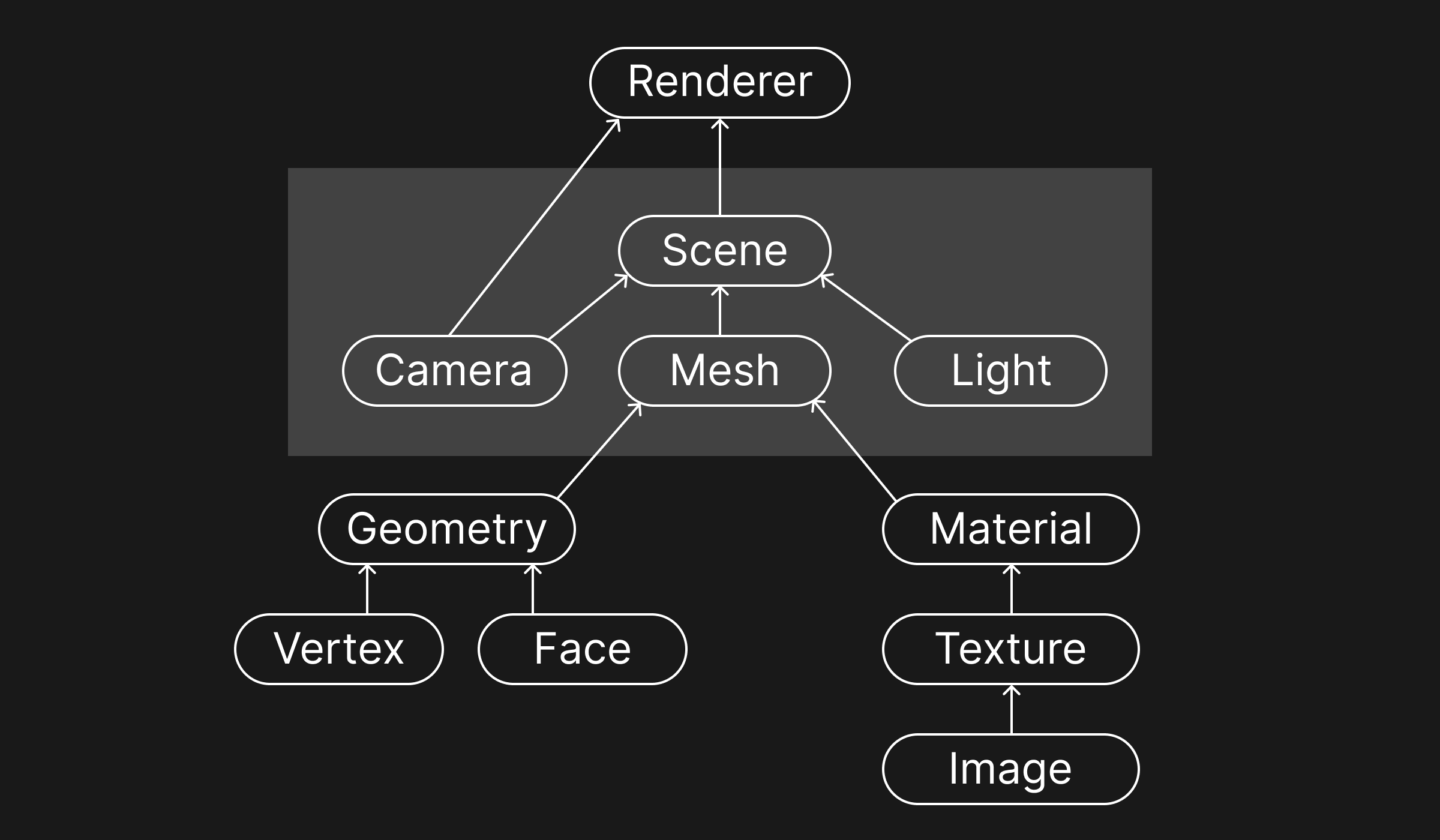
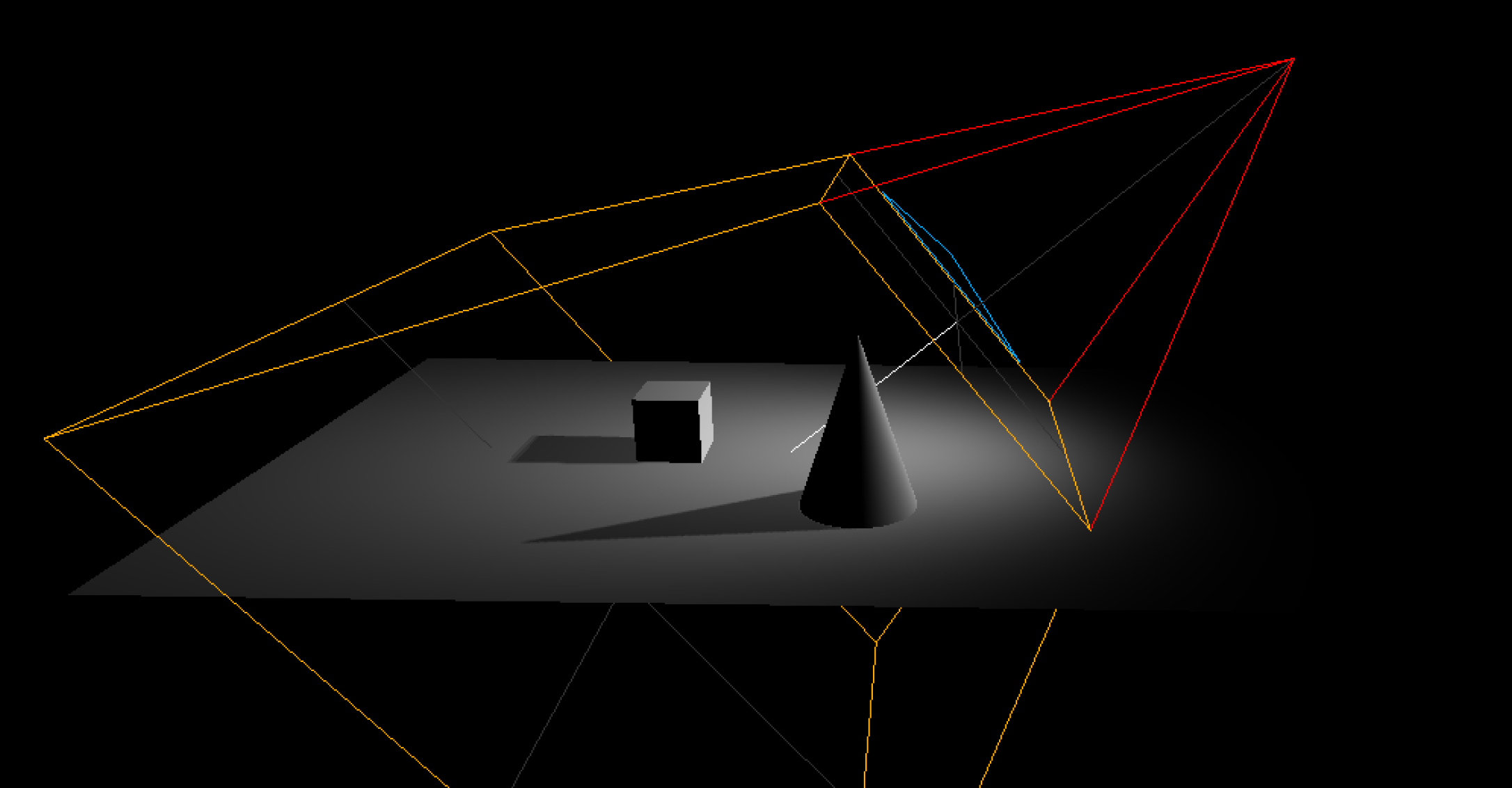
To display anything with Three.js, we need three things: scene, camera and renderer.
						import * as THREE from 'three';

						const scene = new THREE.Scene();

						const camera = new THREE.PerspectiveCamera( 75, window.innerWidth / window.innerHeight, 0.1, 1000 );
						camera.position.z = 3;

						scene.add(camera);

						const canvas = document.querySelector(".canvas");
						const renderer = new Three.WebGLRenderer({ canvas: canvas });

						renderer.setSize( window.innerWidth, window.innerHeight );
						renderer.render(scene, camera);
Objects
primitive geometries, imported models, particles, etc.
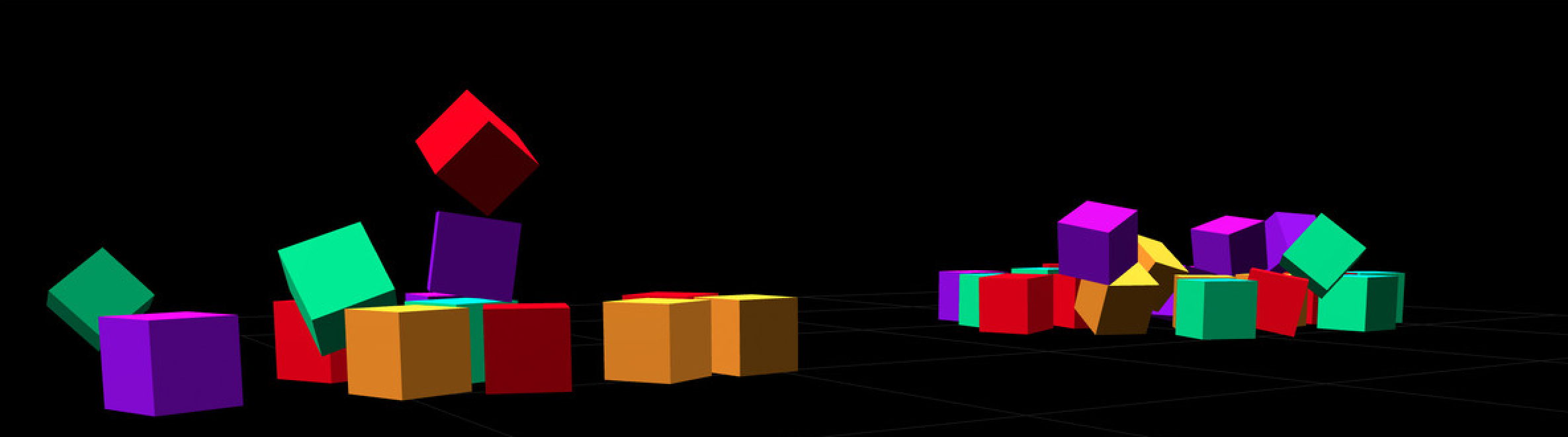
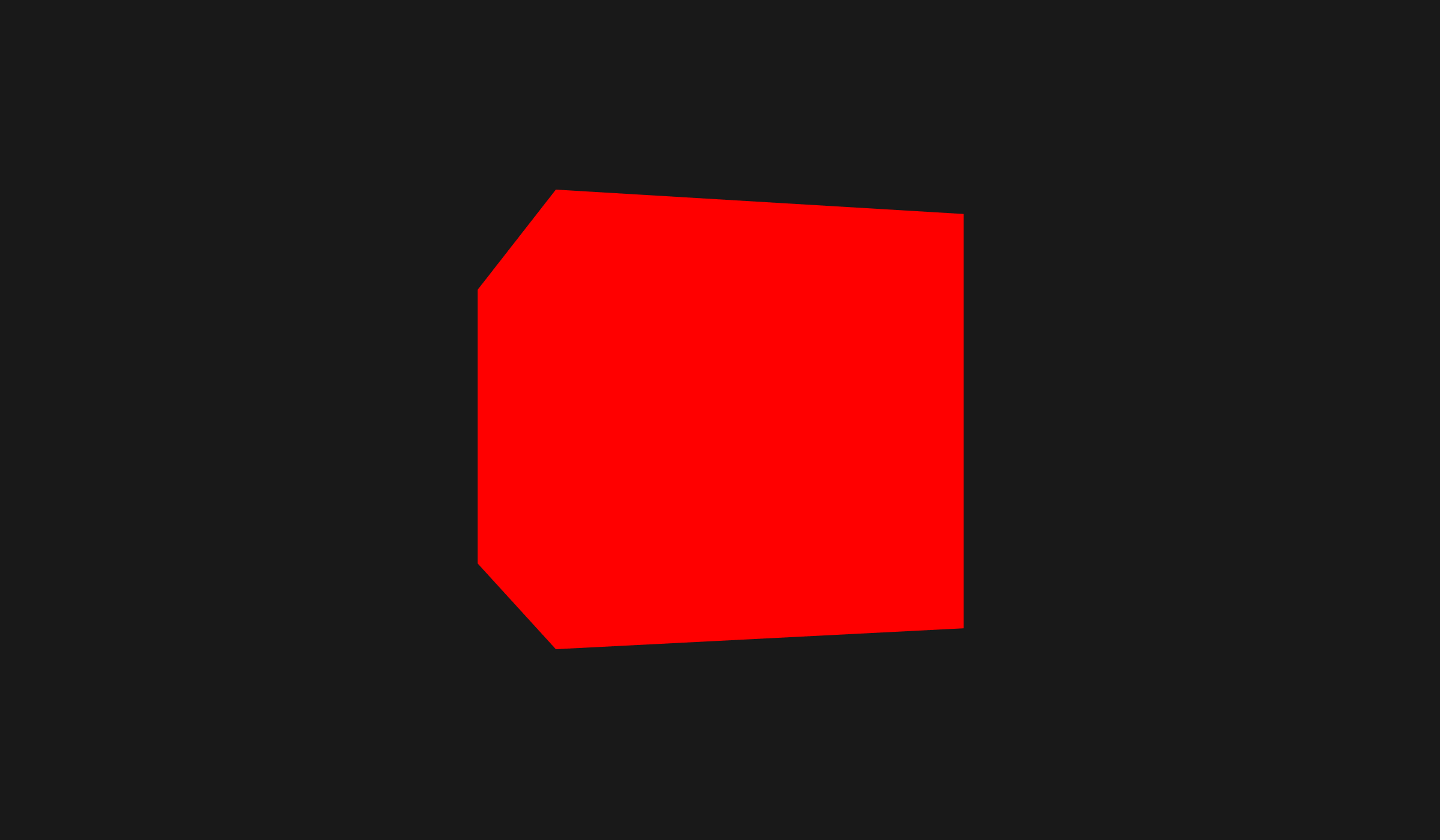
						// Gorgeous cube

						const geometry = new THREE.BoxGeometry(1, 1, 1);
						const material = new THREE.MeshBasicMaterial({ color: 0xff0000 });
						const mesh = new THREE.Mesh(geometry, material);

						scene.add(mesh);
						// Animate

						function animate() {
							requestAnimationFrame(animate);

							renderer.render(scene, camera);

							cube.rotation.x += 0.01;
							cube.rotation.y += 0.005;
						}

						animate();
Scene Graph